EmperiumEngineer GUIDE
Installation of Biometrics
back to hardware
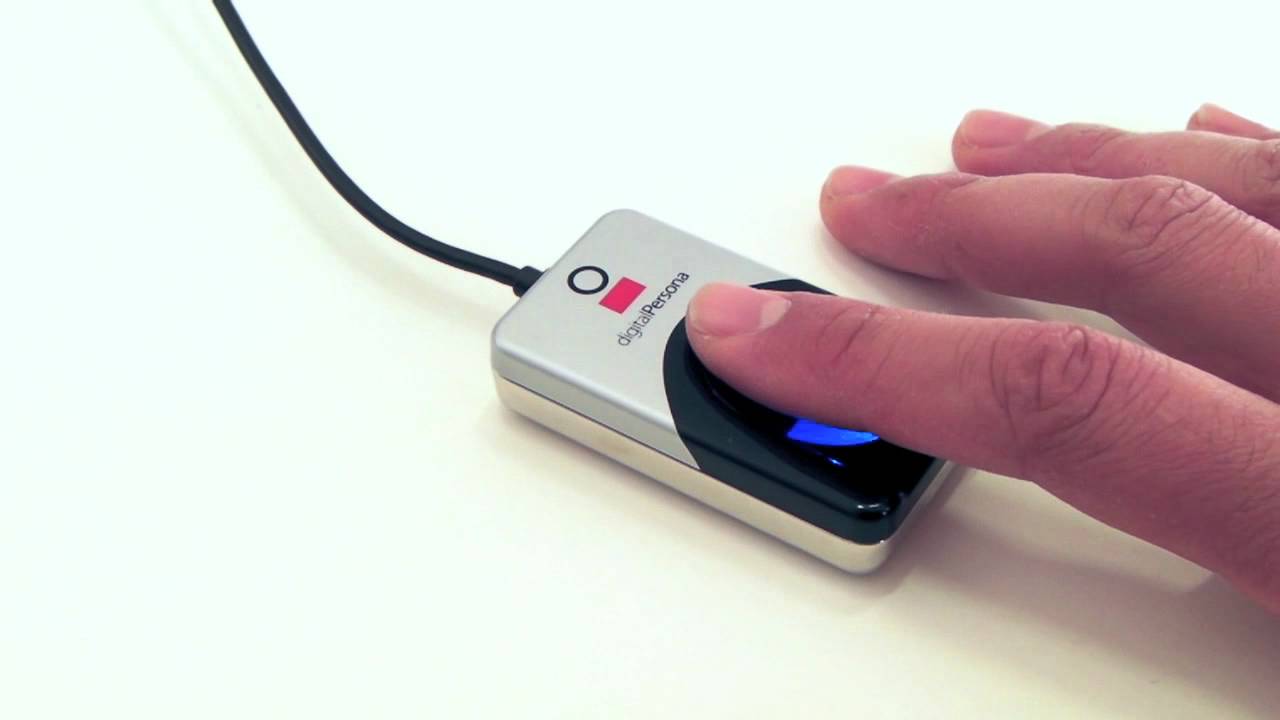
Please Follow the instructions below to install the Biometrics Reader.
-update emperium database and all files
-Enable biometric reading in database.- Open dbo.tillsettings and change the field HasBiometricsOnTill to True
-install drivers , Can be obtained from ftp or Digitalpersona website
-plug reader in usb port wait to complete installation
- finally go into Emerpium Till folder then emperium biometric folder.
You will see a file called Flash101.ocx.
Copy its path.
Open command prompt and type: regsvr32 "
C:\e-novations (London) Ltd\Emperium Hospitality Till V1.2\EmperiumBiometric\
Flash10l.ocx"
-Press Enter.
Copyright E-novations ltd. All rights reserved