EmperiumEngineer GUIDE
Installation of Caller Id
back to hardware
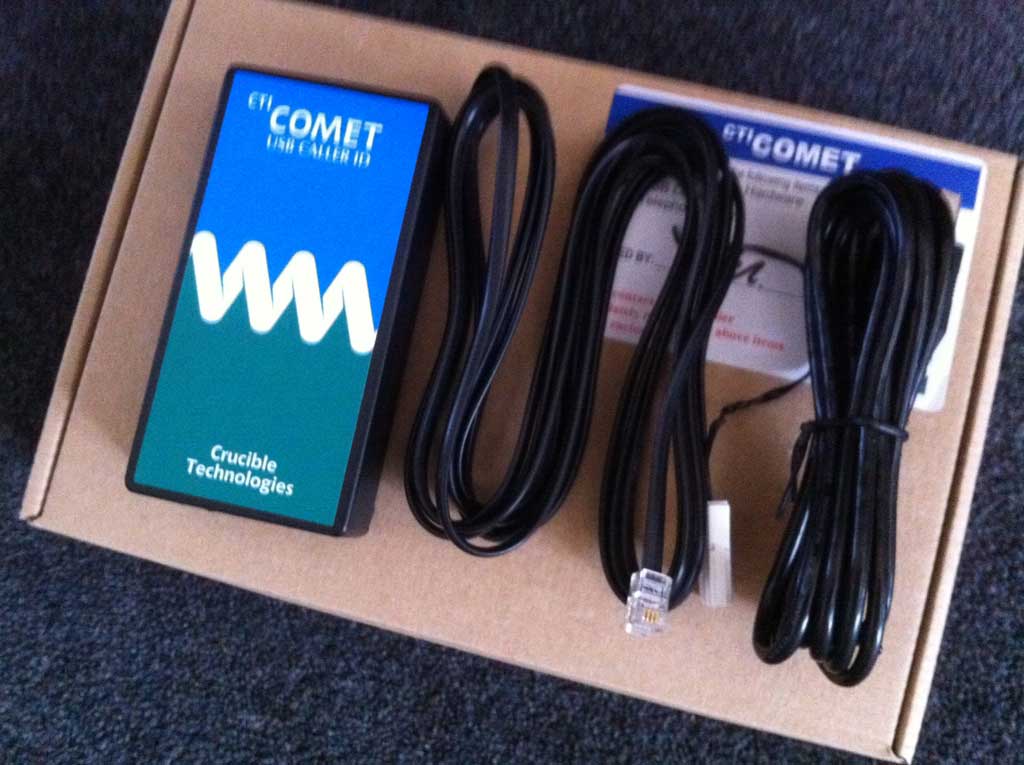
Please Follow the instructions below to install the Comet Cller ID:
Make sure you have asked customer to call their telephone service provider to
activate caller id.
1. Install dot net 4.0
2. Install caller ID software - this can be found on the ftp server or comet caller id website
3. Move all files from C:\Program Files\e-novations (London) Ltd\Emperium Hospitality Till V1.2\CallerID\ActiveCID.Net Comet 2010
and copy to
C:\Program Files\e-novations (London) Ltd\Emperium Hospitality Till V1.2\CallerID
4. Check device manager to find what com port device is installed in, then Change config file com port
5. Log in to database and open dbo.tillsettings and change caller id to true.
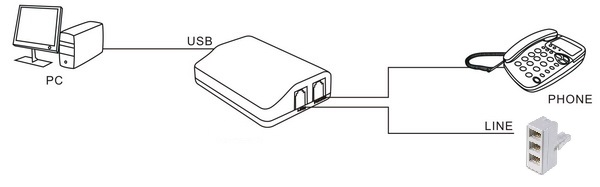
Image below is how the hardware should be installed
One caller ID per system
Copyright E-novations ltd. All rights reserved