EmperiumEngineer GUIDE
Installation of all SQL 2008 R2
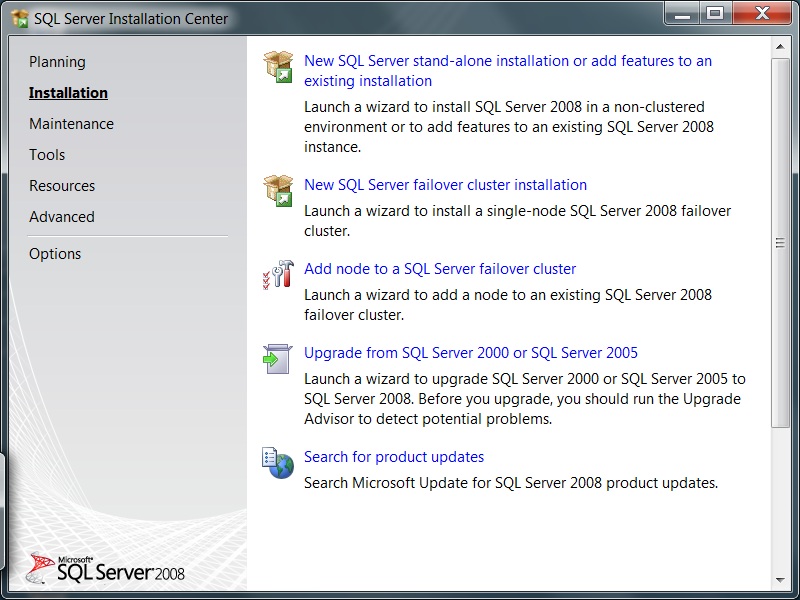
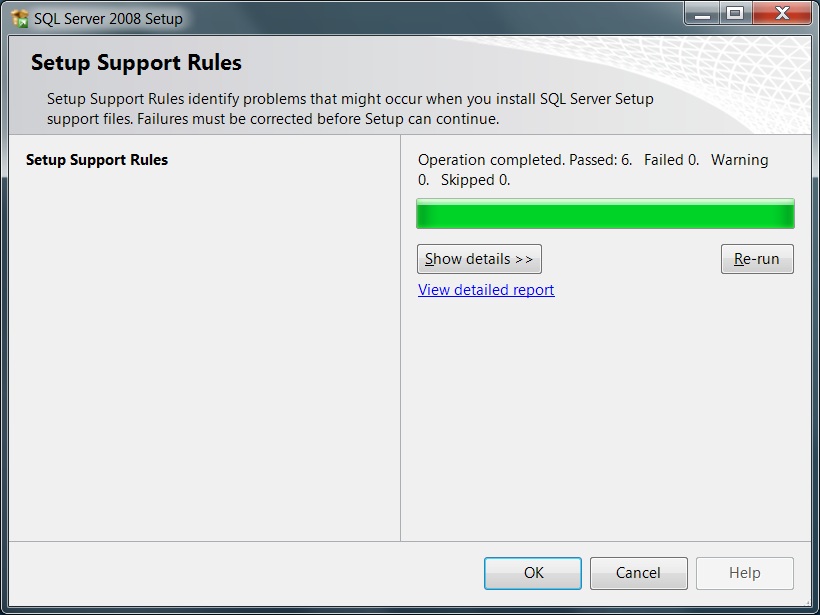
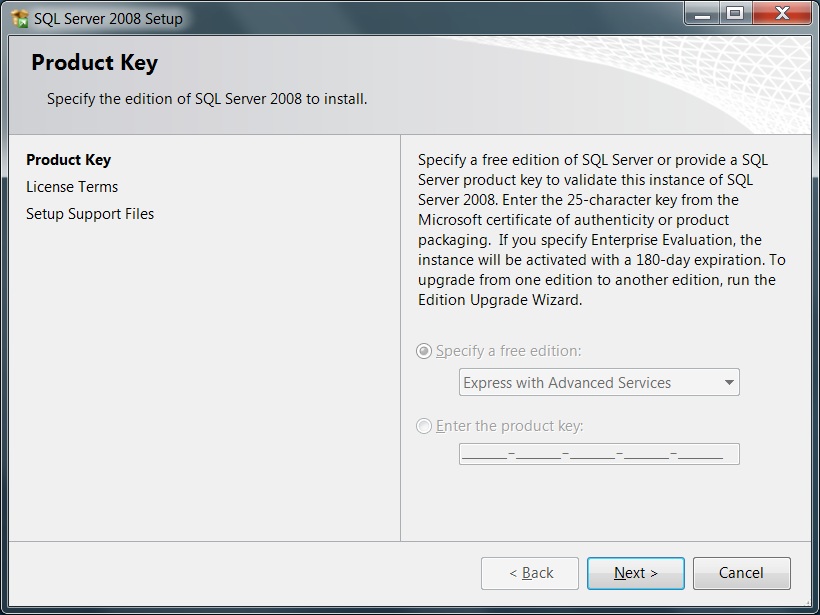
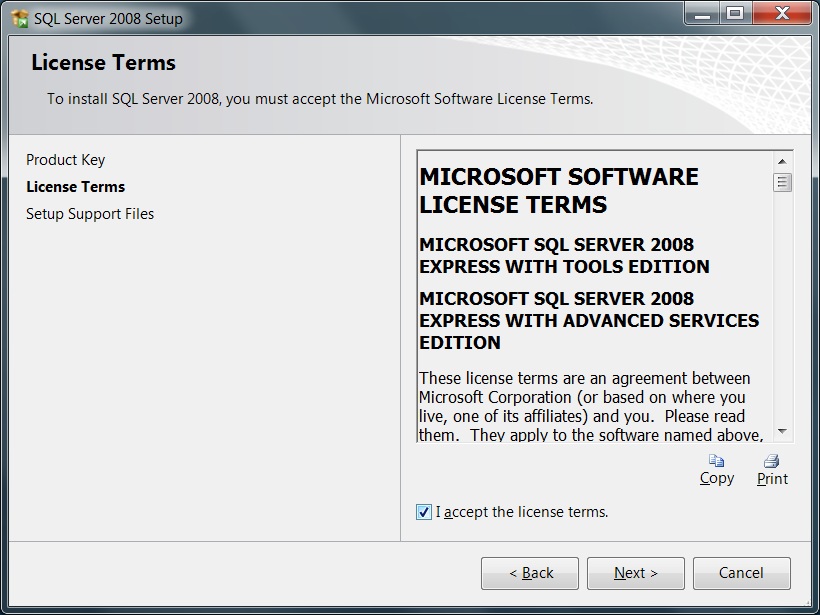
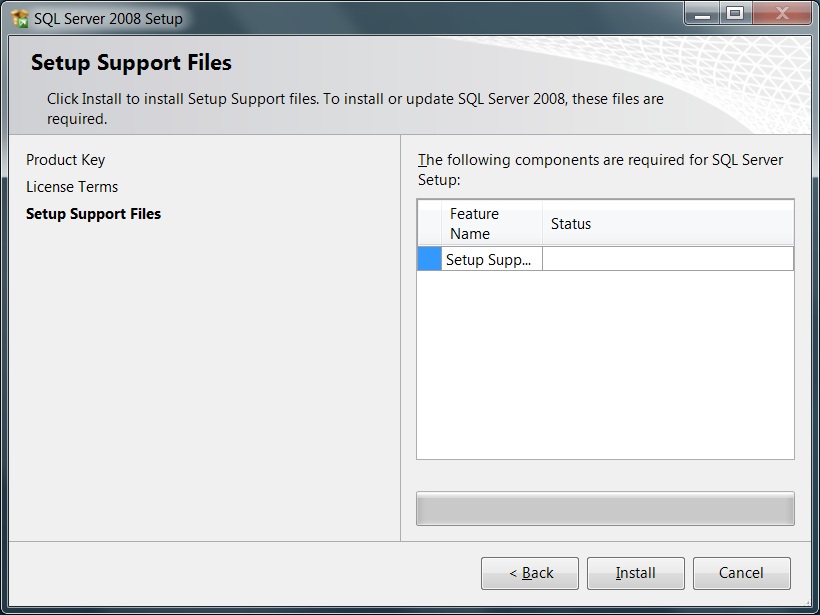
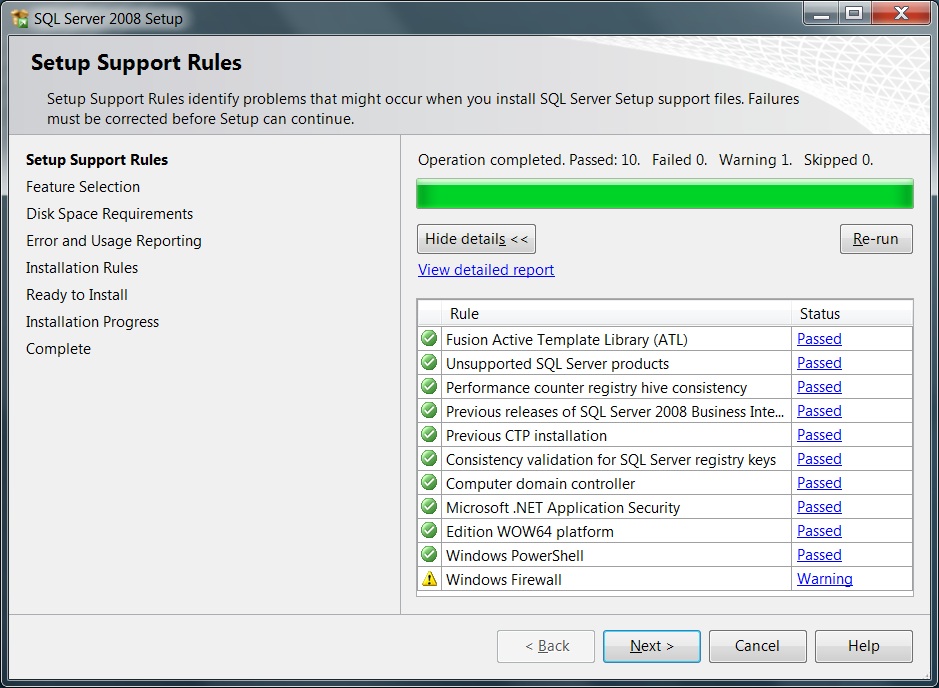
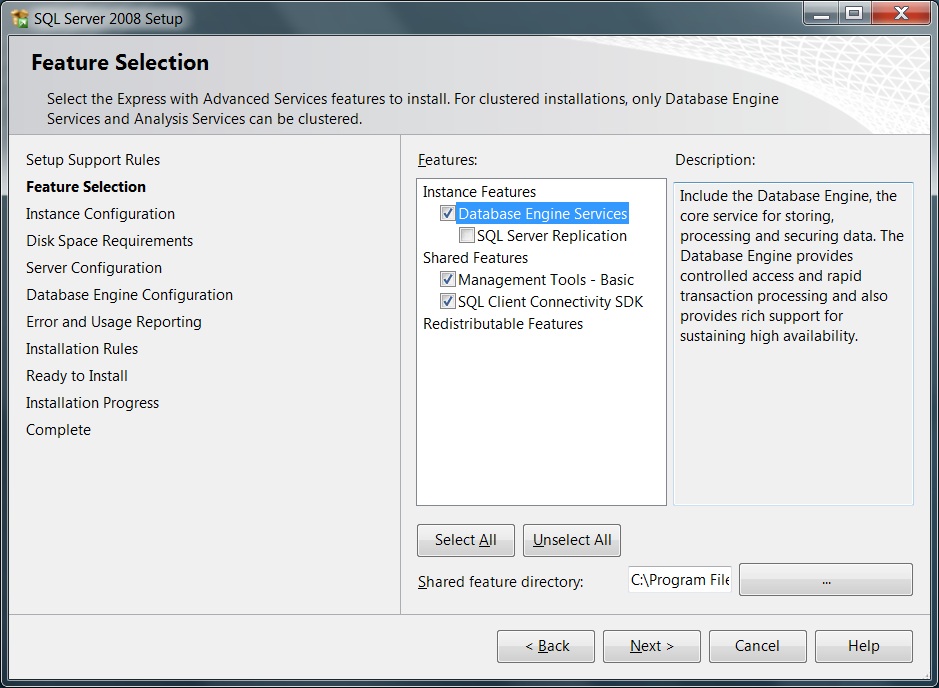
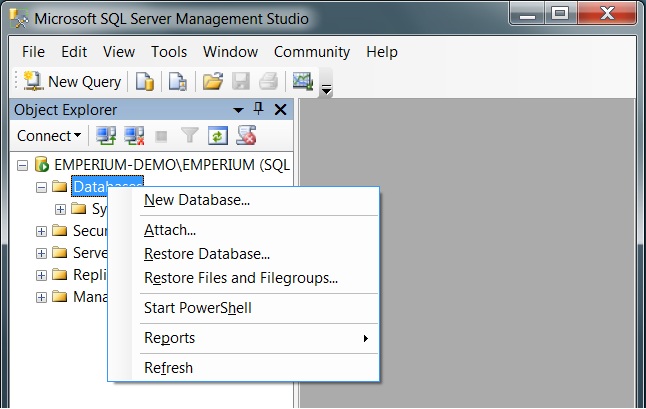
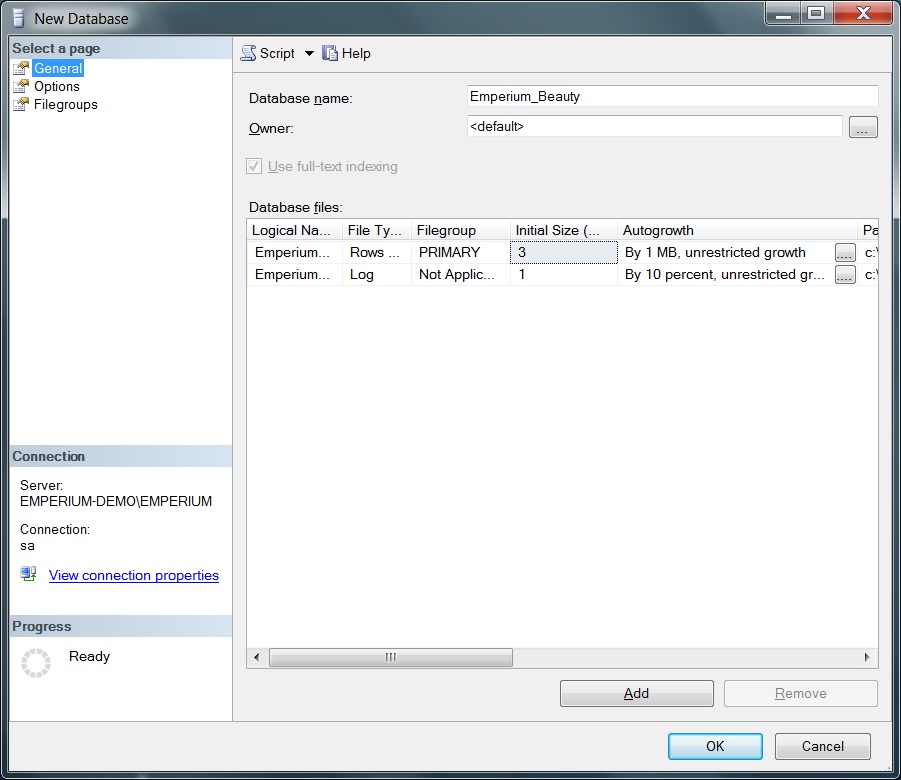
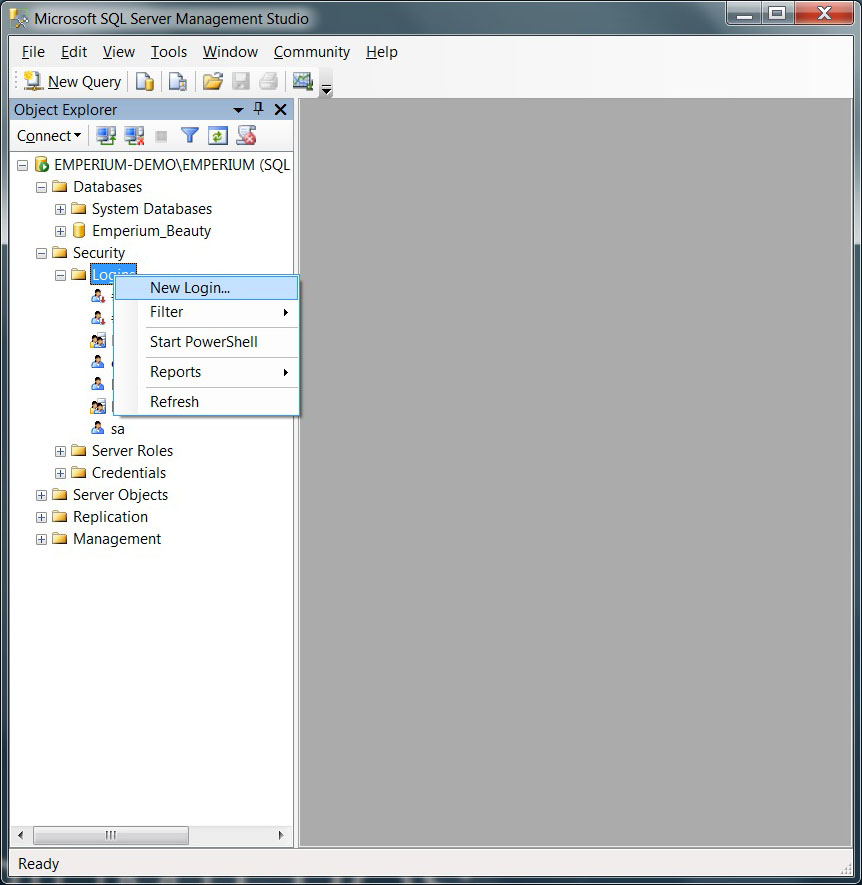
Please follow the below images for the installation proccess:
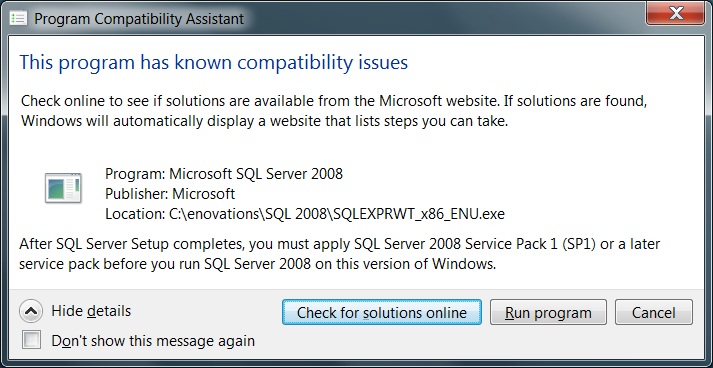
You might see this compatibility issue, simply ignore this and click RUN PROGRAM
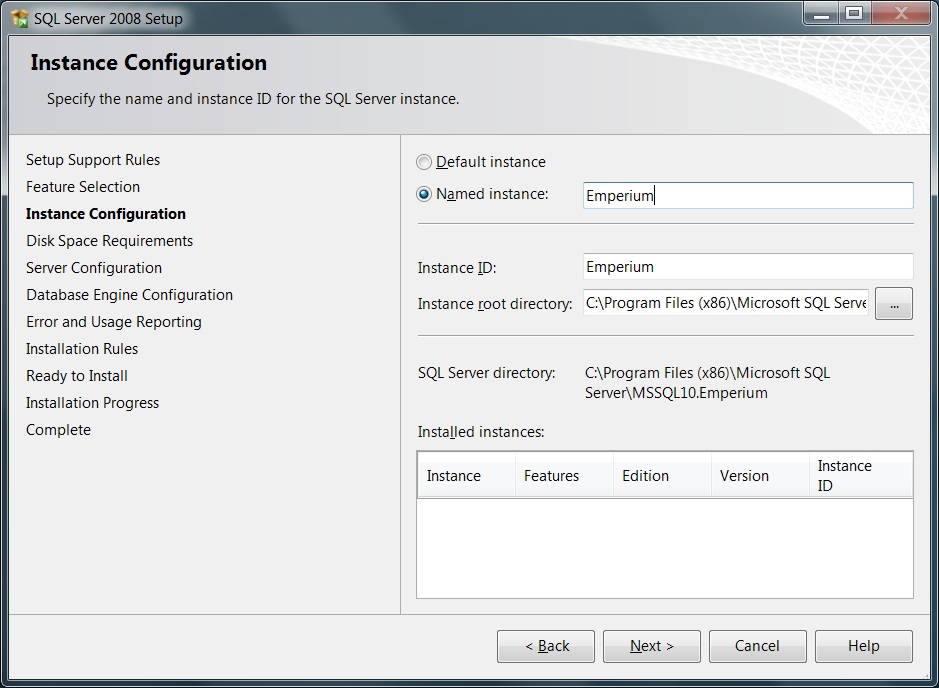

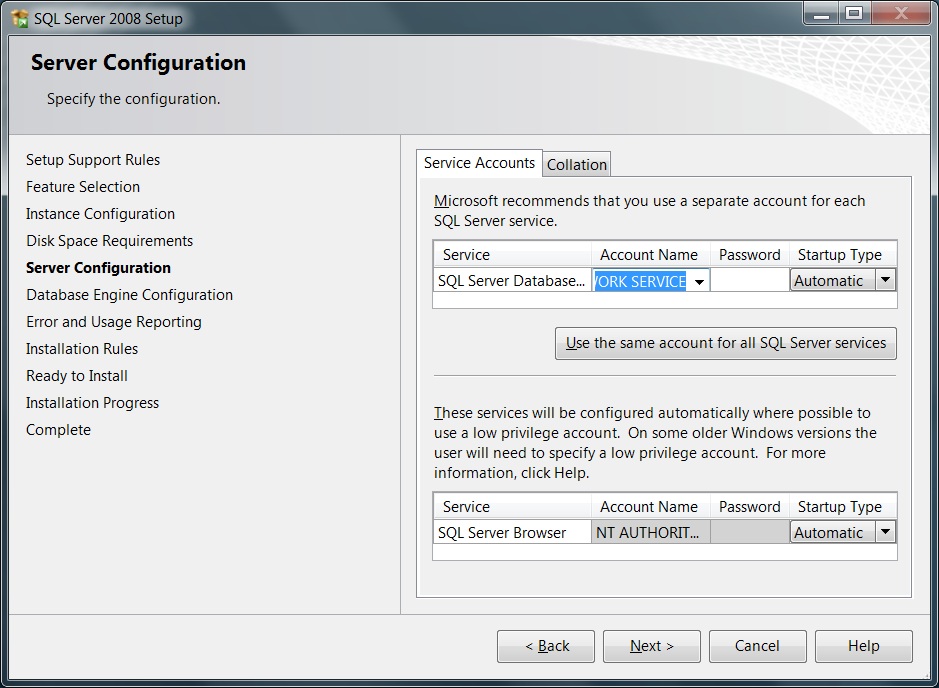
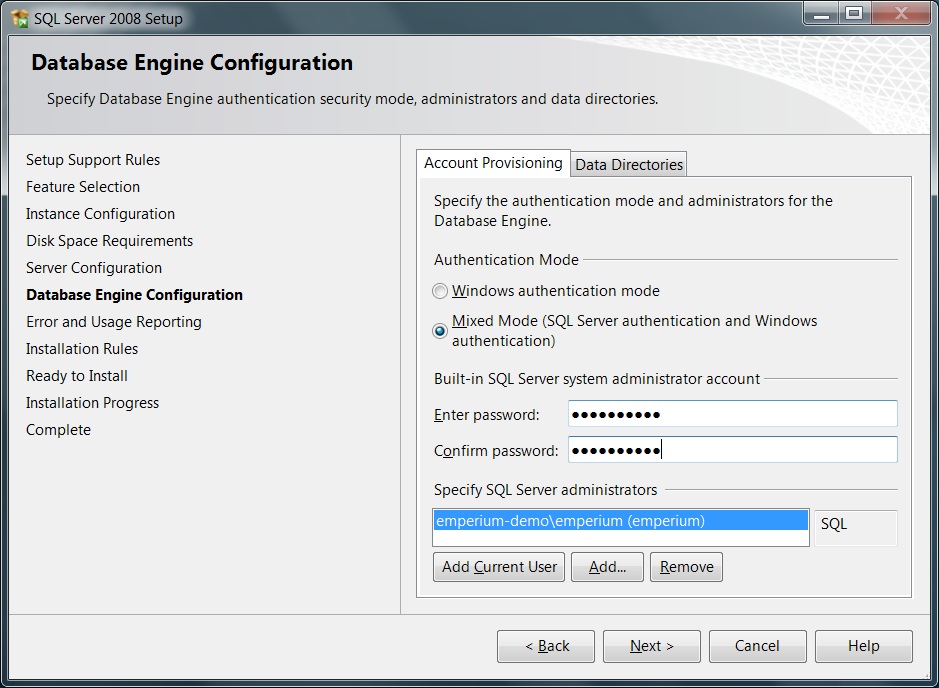
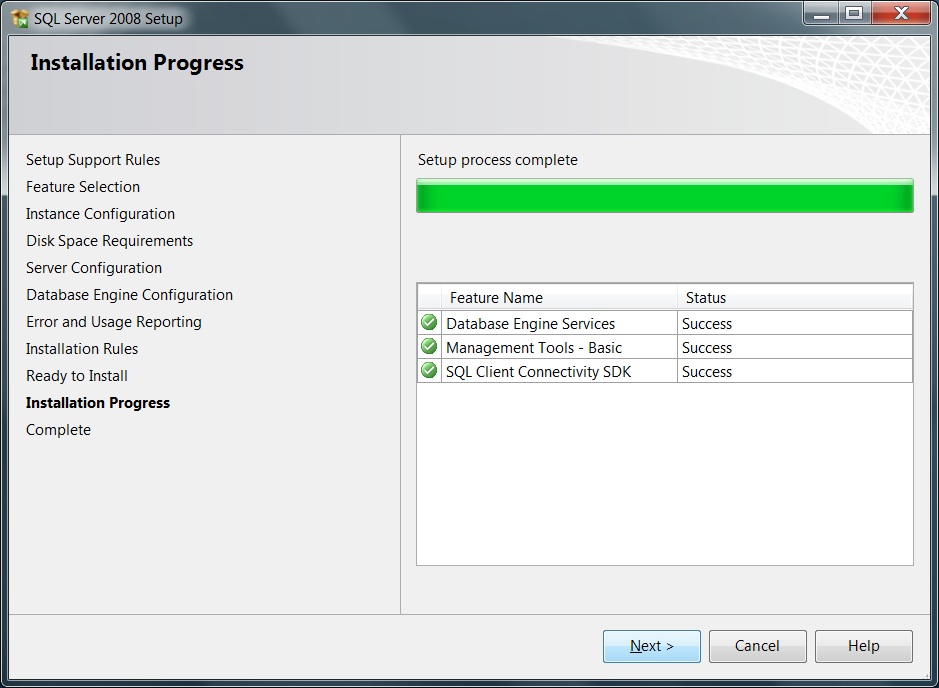
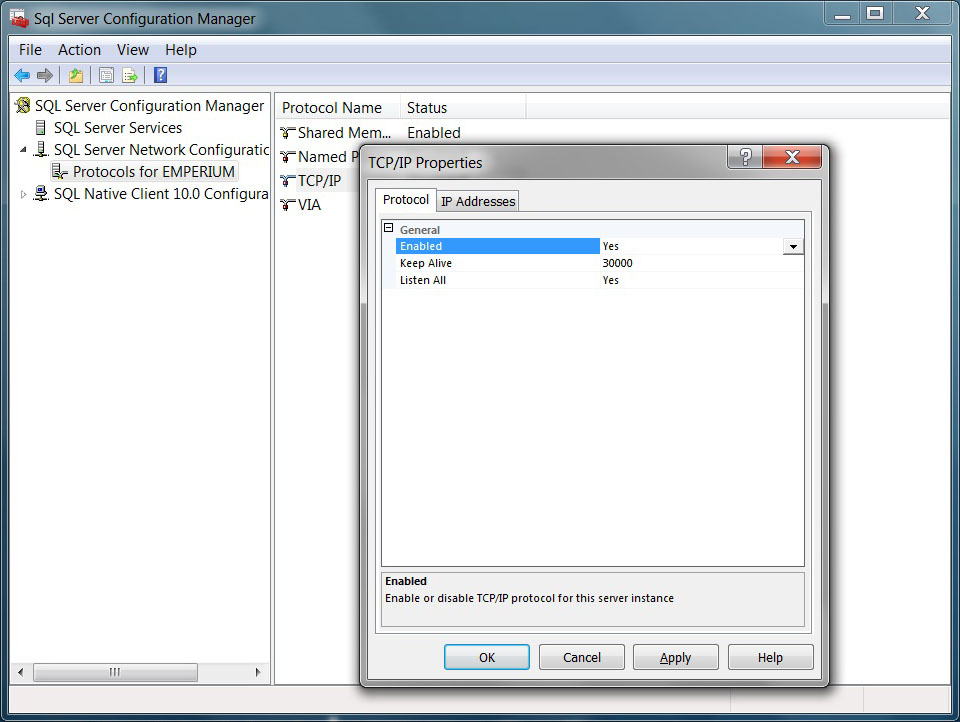
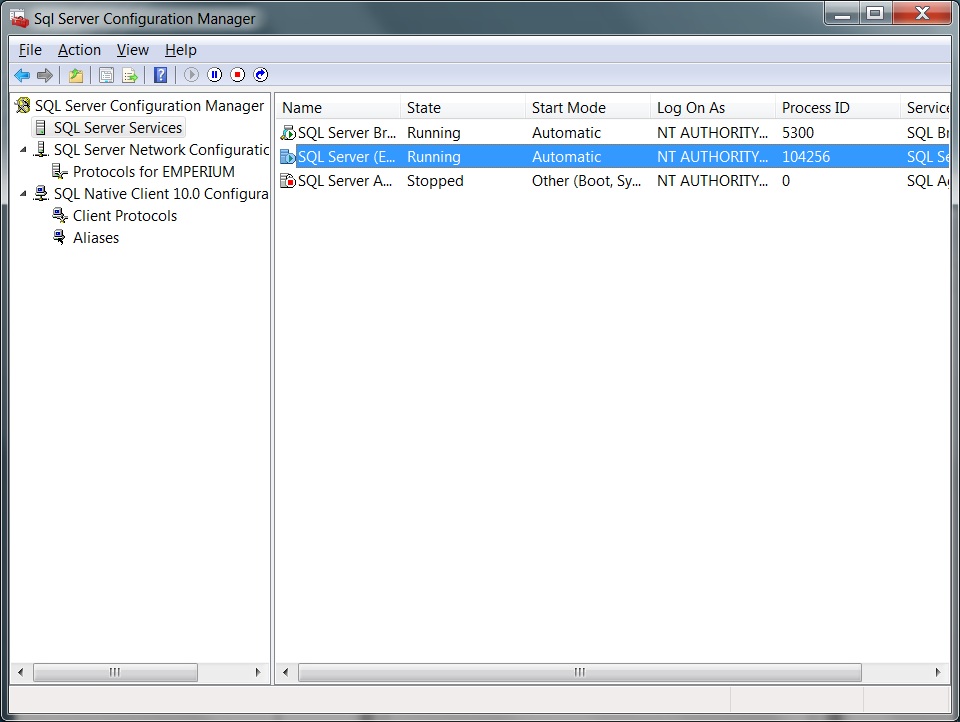
Start the SQL SERVER CONFIGURATION MANAGER
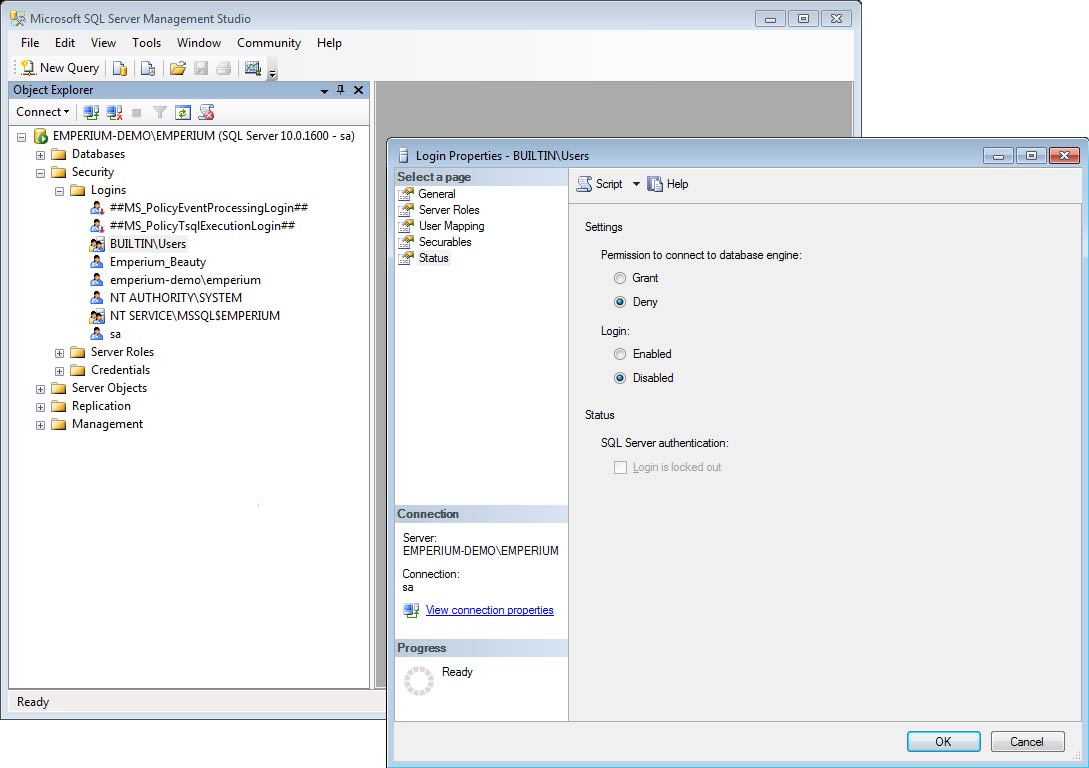
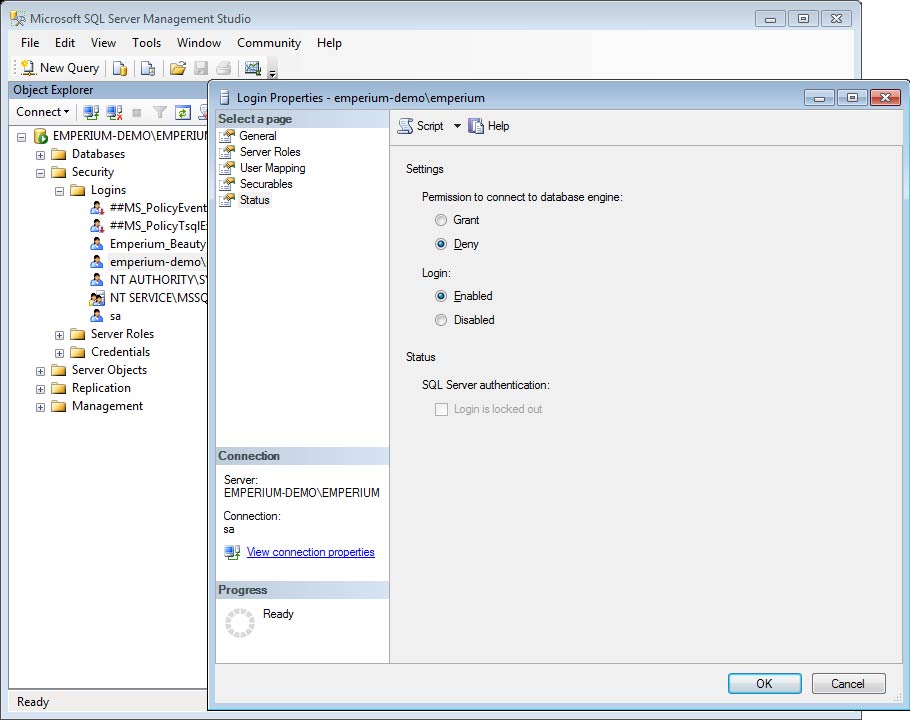
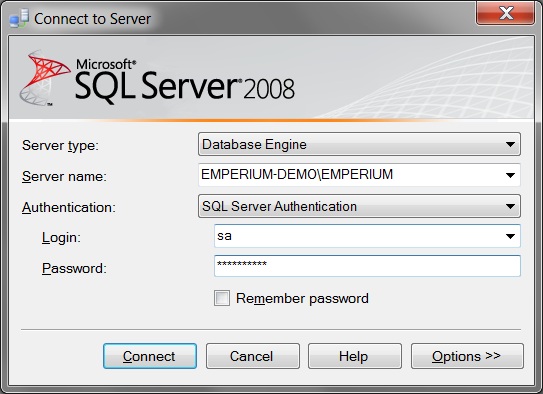
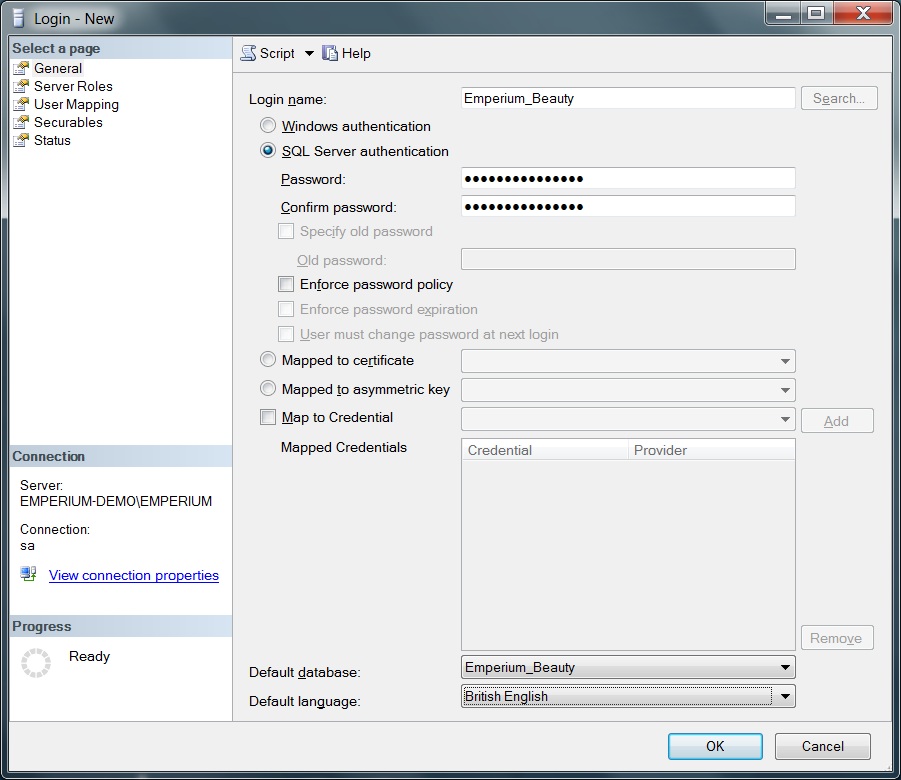
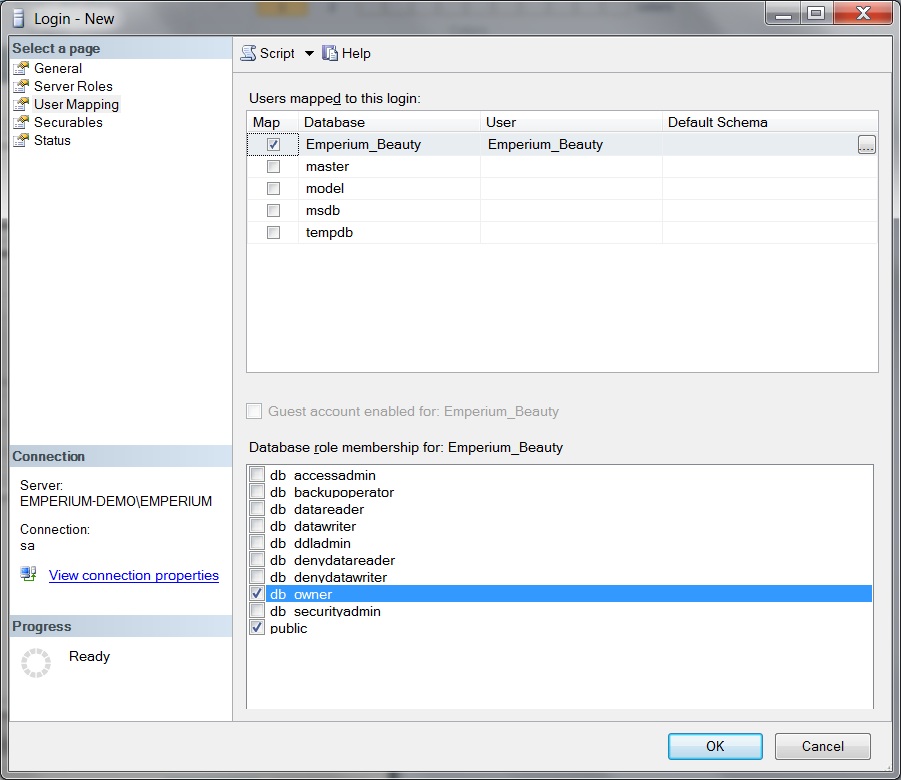
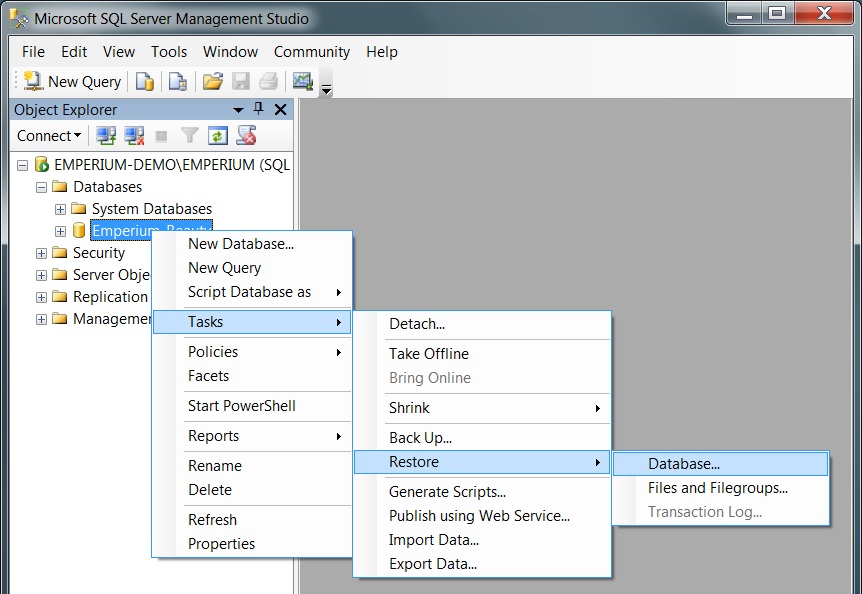
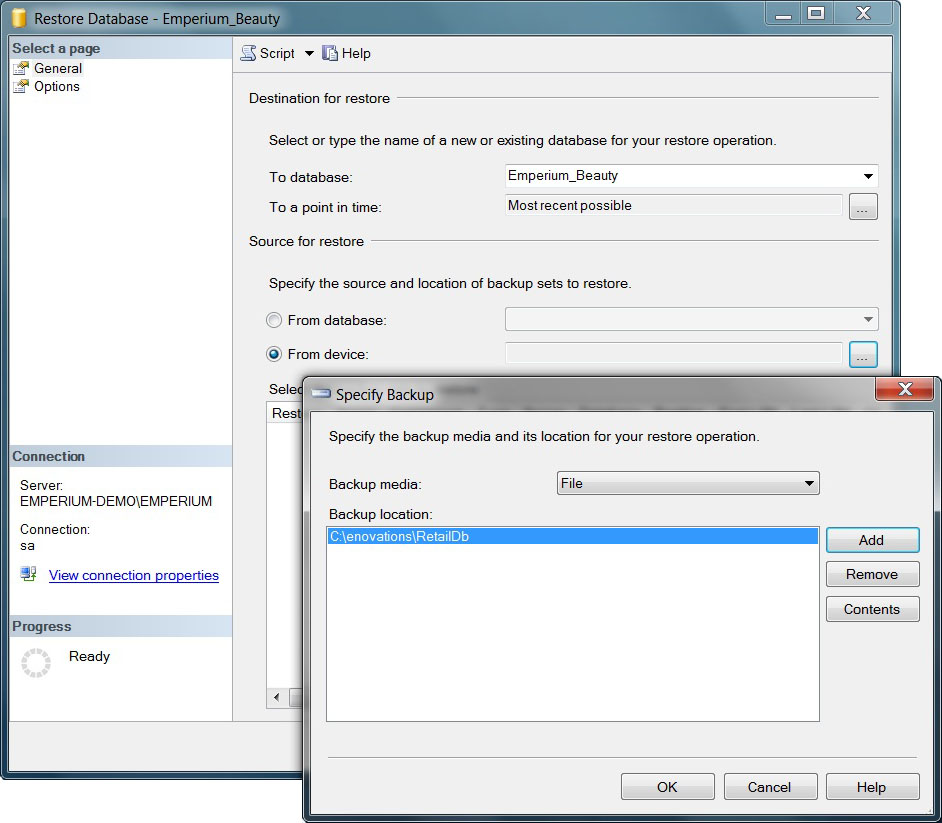
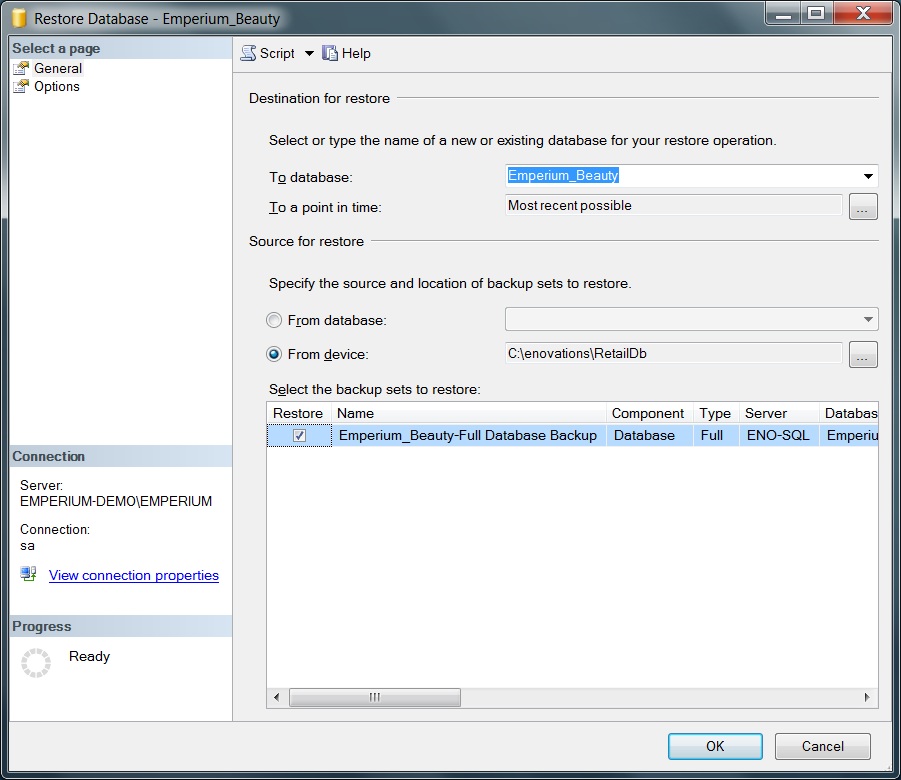
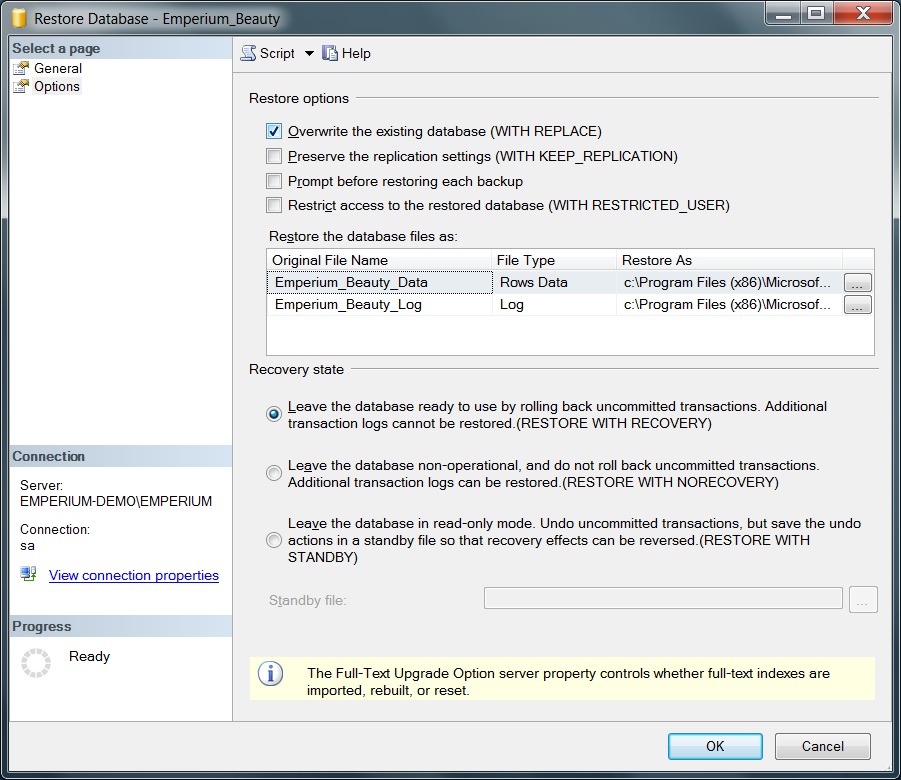
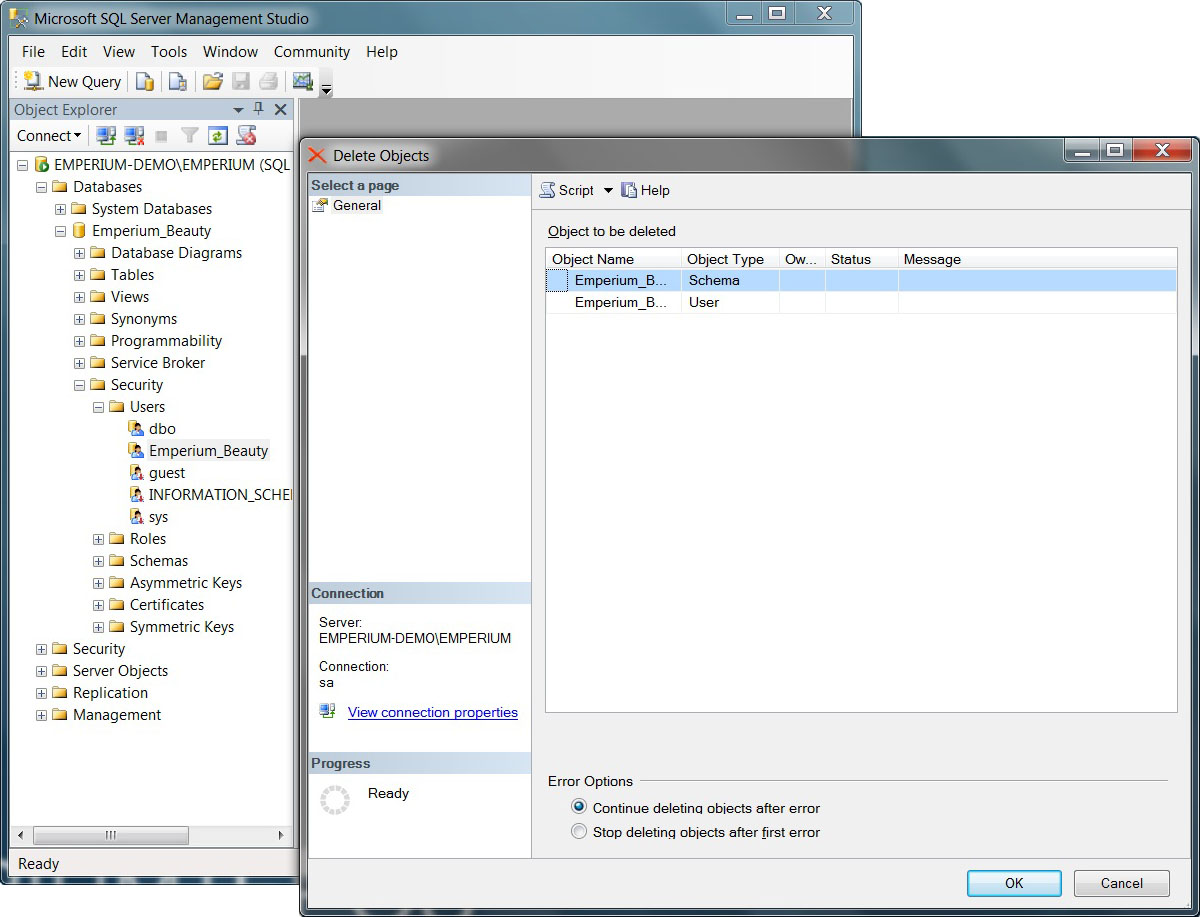
Start the MICROSOFT SQL SERVER MANAGMENT STUDIO and log in to Emperium
instance and use sql server authentication.
Copyright E-novations ltd. All rights reserved